- From the Contributions screen, click on Setup and then Names List.
-
Click the
 button.
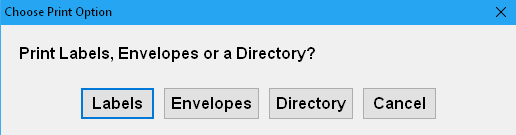
 - Choose Labels, Envelopes or Directory from the Print Options box that appears.
- If Printing Return Address Labels, Specify the # of Labels needed, then skip to Step 6
Otherwise: Select Contributors by clicking the Name(s) in the Donor List. An "X" will appear next to selected Names. Optionally, click the SELECT ALL NAMES or SELECT ALL ACTIVE NAMES buttons. - Click
 button.
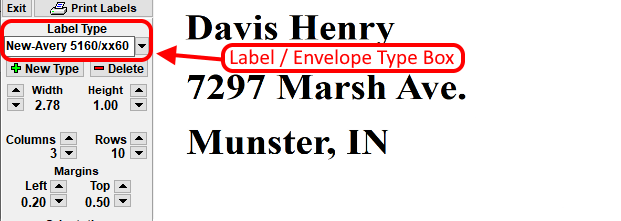
 - Select the Format/Type print setting
- Click button.
- If Printing Labels, Select the Row and Column position for the First Label.